Virtual staging · 14 Aug 2026
Video Virtual Staging: Styling an Empty Room in Motion
Oracreative · Updated 19 Aug 2026
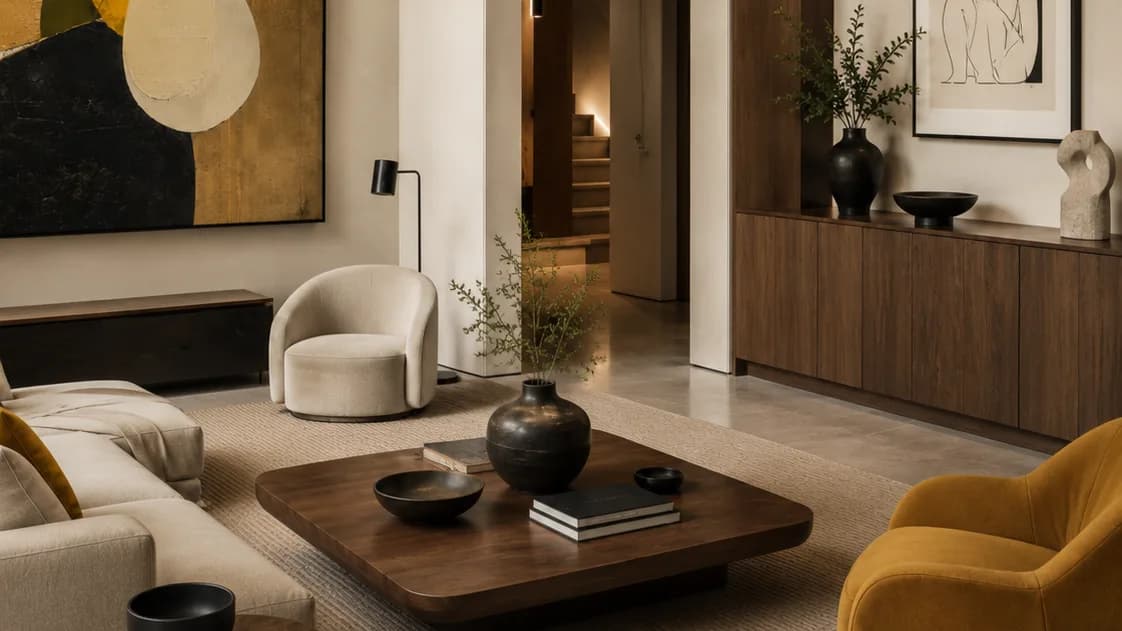
Picture an empty apartment. Bare floors, white walls, a faint echo when you speak. Now picture the same room in a short film. It is warmed with a sofa, a rug, and soft evening light, and the camera drifts past a styled dining table toward the window. That second version is what video virtual staging does. It furnishes a room that is empty in real life, then shows it moving, so a buyer feels the space instead of guessing at it.
I have spent about three years making video. I started with all sorts of subjects, then homes pulled me in and would not let go. These days I build these films with AI. I run Oracreative, a small Sydney studio, and I have made every piece in our portfolio myself. So I will not pad this with a client roster I do not have. I will just tell you how the format works, where it shines, and where it does not.
What video virtual staging actually is
It is the moving version of a technique most agents already know. Still virtual staging drops furniture into a photo of an empty room. The moving version does the same job, but the result is footage, not a frozen frame. The sofa is placed, the table is dressed, the light is set. Then the room moves. The camera walks in, pans across the space, or eases toward a view.
It is not a filmed shoot. Nobody carries real furniture into the apartment. There is no crew standing in the hallway. The room is empty when I start. Everything you see placed in it — the couch, the rug, the art, the plants — is added in software and then animated as part of the shot.
It is also not a full CGI flythrough of a 3D model. A technical flythrough walks the geometry of a building. This is gentler and more human. It keeps the empty room as the real stage, holds its true walls and windows, and dresses it the way a stylist would for a shoot. The aim is a room that feels lived in, on a listing where nobody lives yet. It borrows the same AI property video craft I use on finished homes.
Why staging a room in motion works
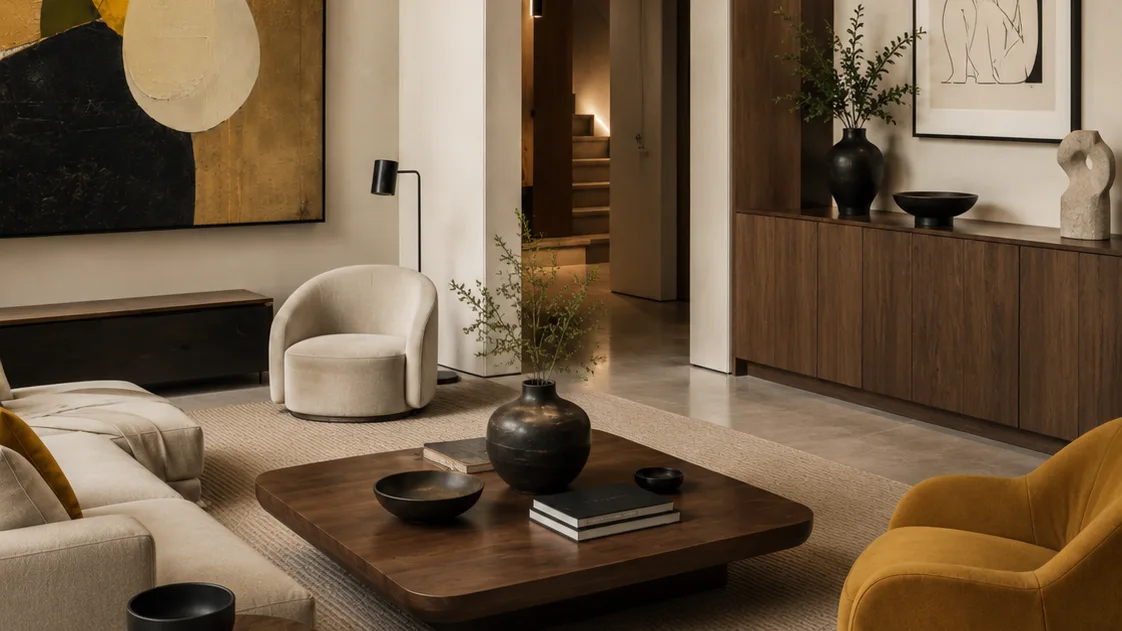
A styled photo is a strong tool. It gives a buyer something to picture. But a photo is one angle, held still. It cannot show how a room connects to the next one. It cannot show how the light falls at different points in the day. Motion can.
When the camera moves through a staged room, three things happen at once. You read the scale, because the walls pass at a real pace. You read the flow, because you see how the kitchen opens to the living space. And you feel the light, because it shifts as the camera turns. A single still cannot do all three in one frame.
There is an attention win too. Video holds a scroll longer than a photo. On portals like realestate.com.au and Domain, a moving listing stops the thumb. That extra second or two of attention is often the whole game. It is the difference between a saved listing and a skipped one.
Empty rooms are the hardest sell. They look smaller than they are. They feel cold. A buyer walks in, mentally, and finds nothing to hold onto. Staging fixes that, and staging in motion fixes it harder. The room stops being a floor plan and starts being a home.
Buyers are also further away than they used to be. Many are interstate. Some are overseas, buying on a screen. They may never set foot in the apartment before they decide. A moving, furnished clip is the closest thing to standing in the room. It reaches them at full strength, on the same phone where they scroll everything else.
How I build a staged video shot
The process is more careful than the word "AI" makes it sound. I start with what the room really is. Photos, or a short clip of the empty space. The real windows, the real proportions, the real floor. That is the anchor. The staging has to sit inside the true room, not a prettier invented one.
Then I choose the buyer. A first-home unit is dressed differently from a downsizer's apartment or investor stock. The furniture, the palette, and the styling all follow that one decision. Get the buyer right and the room feels made for them.
Next I set the frame and the move. A slow push toward the window. A gentle pan across the living zone. I place the furniture for that specific shot, light it to match the room's real light, and animate the whole thing as one piece. Sound does quiet work here — a soft bed of music, a little room tone. That is what separates a premium clip from a slideshow.
I lock the look before I animate. I get sign-off on a still frame of the staged room first. Only then do I generate the motion. It keeps changes cheap, and it keeps the result honest. You can see the range of rooms I have built in the work I have made.
Revisions are where most of the real time goes. I would rather spend it there than rush the look. A staged room that feels slightly off — a rug too small, a lamp in the wrong place, a palette that fights the floor — reads as fake instantly. The fixes are small, but they are the whole gap between believable and cheap.
One story shapes how I handle this. A local agent I know once asked me to make a film to help sell an apartment. I said no at first. The renders and photos a staged film leans on can be the developer's copyright. So I asked the agent to get the developer's approval before I built anything. Once that approval came back, I made the whole film, free of charge. Rights first, footage second. That order still guides every job I take.
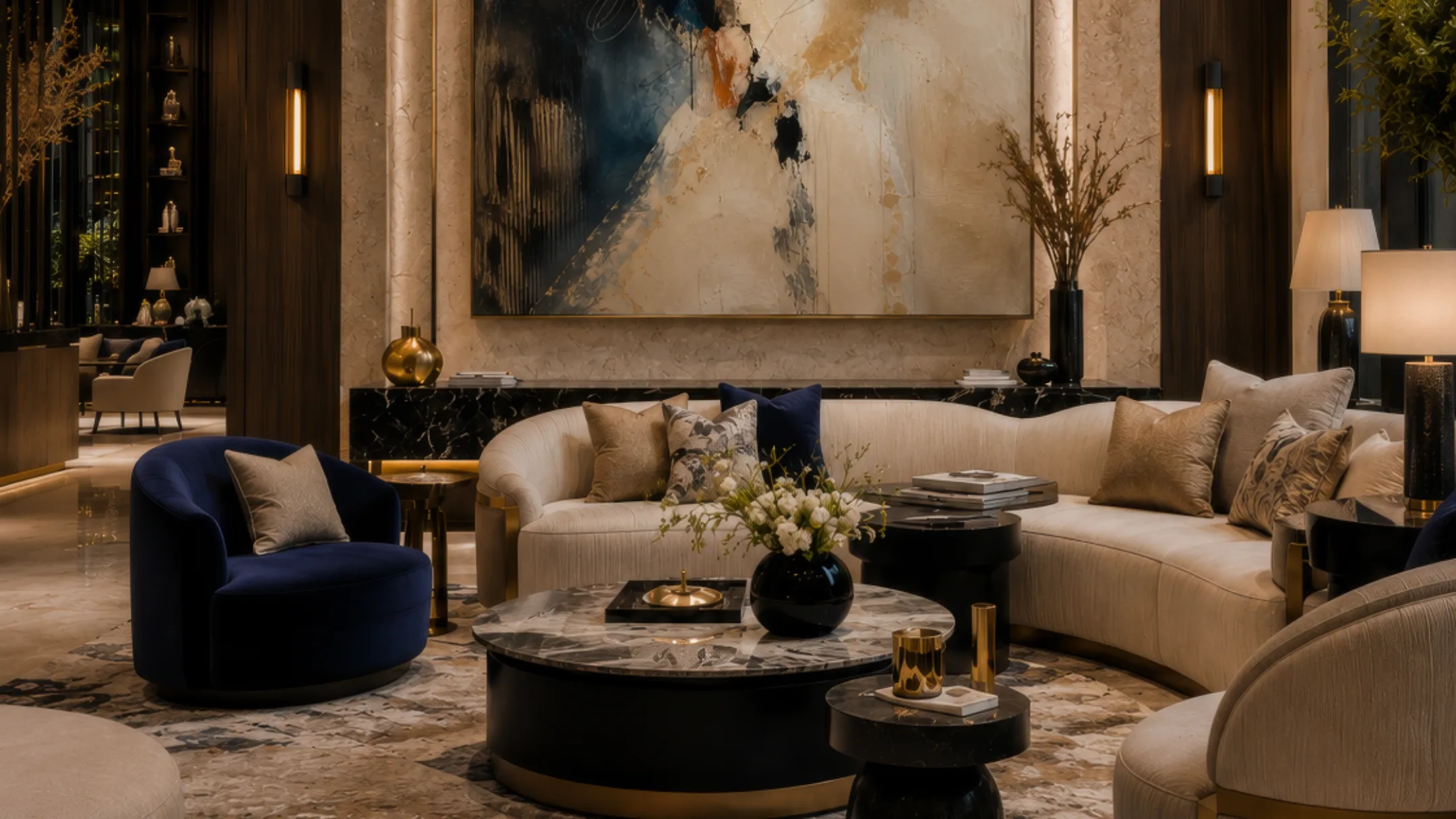
Curious how your empty listing would look furnished and moving? Start a free pilot → — one property, one finished clip, no cost.
How it compares to a still staged photo
Both formats furnish an empty room. The difference is what you hold at the end, and where each one works hardest. A still is fast, cheap, and perfect for the main listing photos. A moving clip costs a little more, but it carries the feeling of the space and it travels further on social. Most listings want both, used for different jobs.
| Aspect | Still virtual staging | Video virtual staging |
|---|---|---|
| What you get | A single furnished image | A moving clip or walkthrough |
| Shows scale and flow | Partly, from one angle | Yes, across the whole room |
| Shows how light moves | No — it is frozen | Yes, as the camera turns |
| Best home for it | Portal hero photos | Social, reels, listing video |
| Relative cost | Lowest | A step up |
| Turnaround | Fastest | Days, not weeks |
My honest advice is to lead with stills for the gallery, then add a staged clip for the feed. The photo earns the click. The clip earns the enquiry. Neither one replaces the other, and using both is cheaper than most people expect.
One more thing decides which to use: the channel. A gallery of twenty photos wants clean stills a buyer can scan. A feed rewards movement and a strong first second. Match the format to where the buyer actually looks, and you get more out of the same empty room.
What a staged clip typically costs
The honest answer is that it depends on scope. But the cost drivers are simple, and they are usually lower than a filmed shoot. There is no crew, no location fee, no travel, and no gear to hire. You are paying for craft and time, not logistics. Price tracks three things: the number of rooms, the level of finish, and the number of revision rounds.
A single styled room, cut for a listing and for social, sits at the affordable end. Several rooms, a longer edit, or bespoke music move it up. The useful trick is to decide the outputs first. One production planned as a hero clip plus a few vertical cuts costs far less than commissioning each piece on its own.
Timelines follow the same logic. With no shoot to schedule, most single rooms land within days rather than weeks. Revisions drive the calendar, not crew availability. If you name one person to give consolidated feedback, the whole thing moves faster. Feedback by committee is the most common reason a simple job runs long.
Which rooms suit staging in motion
Not every room earns a moving shot. Some are better as a single clean still. The ones that reward motion tend to be the spaces a buyer falls for:
- the living room, where scale and flow matter most;
- an open kitchen and dining zone, where the move shows how they connect;
- the main bedroom, where styling sells a sense of calm;
- a balcony or a room with a view, where the slow reveal is the whole point.
Small utility rooms rarely need it. A laundry or a second bathroom is fine as a plain still. Save the motion for the rooms that decide a sale. Spend the effort where a buyer's feeling actually turns.
There is a sequencing trick here too. A moving hero of the living space, then a few crisp stills of the rest, reads as a considered listing rather than a wall of clips. Restraint looks more expensive than volume.
Where video virtual staging has limits
An honest guide names the trade-offs. This format is powerful, but it is not a fix for everything, and pretending otherwise helps nobody.
First, it is staging, not truth. The furniture is not real, and a buyer knows that. The moment it starts hiding a room's real flaws — a cramped corner, an awkward pillar, a dark aspect — it stops being marketing and becomes a problem. I keep the real proportions and the real light. I dress the room; I do not lie about it.
Second, disclosure matters. A staged image should be labelled as staged. The rules differ by state, and agents carry the duty to market honestly. A clip that oversells a space is a compliance risk, not just poor taste. It also breaks trust at the inspection, which travels fast in a small market.
Third, it is only as good as the inputs. A clear set of photos, or a clean clip of the empty room, makes a strong result. A single blurry phone shot makes a weak one. Good tools do not save bad source material. The old rule still holds: what goes in shapes what comes out.
And sometimes a real shoot is simply the better call. A finished, styled, genuinely photogenic home, shot by a good videographer, catches texture and life that staging has to work hard to match. When that is the right tool, I will tell you so rather than sell you mine.
How to brief a staged video
You need less than you might think. To start, gather a few things:
- clear photos, or a short clip, of the empty rooms;
- the floor plan, so the proportions stay true;
- a sense of the buyer — first-home, family, or downsizer;
- one or two reference clips you admire;
- where the piece will run: portal, reel, or a listing video.
The buyer is the biggest decision. It shapes the styling more than anything else. Where the clip will run then sets the length. A portal video, an Instagram reel, and a website loop each want a different cut.
If you are marketing a project before it is built, the same thinking carries straight over to a full off the plan property video. Furnishing an empty completed unit and furnishing an unbuilt one are close cousins. Both dress a space a buyer cannot stand inside yet.
Keep the brief short. A line on the buyer, a note on the finishes, a reference or two, and where it runs. That is enough for me to start. It keeps the revisions about craft, not about re-arguing the concept.
Getting the most from one staged clip
Treat one staged production as a small kit, not a single post. A single room, styled and filmed, can be cut several ways:
- a short hero clip for the listing video;
- a vertical cut for reels and stories;
- a silent loop for the website or a display screen;
- stills pulled straight from the staged frames.
Plan those outputs before I start. It costs nothing extra, and it multiplies where a single production can go. A little planning turns one clip into a week of content.
Measure what you can, as well. A simple tracking link on each cut shows which one drives enquiries. Over a campaign, that tells you where to spend next time. Small signals, gathered honestly, beat guesswork every time.
Think about sequence, too. A teaser clip can warm up a listing before the photos even go live. The hero clip anchors the launch itself. Shorter cuts keep the campaign alive as the weeks pass. One production, released in a deliberate order, does far more than a single clip posted once and forgotten.
Frequently asked questions
- What is video virtual staging?
- It is virtual staging shown in a moving clip rather than a single photo. An empty room is furnished digitally — sofa, rug, art, lighting — and then animated, so the camera walks through or pans across the styled space. The room itself stays real; only the furniture is added.
- How is it different from still virtual staging?
- Still virtual staging gives you one furnished image, ideal for portal photos. The moving version gives you footage that shows scale, flow, and how the light shifts as the camera turns. Most listings use both: stills for the gallery, a clip for social and the listing video.
- Is it honest to market a room with digital furniture?
- Yes, as long as it is disclosed and the room's real proportions and light are kept true. A staged clip should be labelled as staged, and it must not hide genuine flaws. I dress the space; I never fake its size or aspect. Disclosure rules vary by state, so agents should confirm what applies locally.
- Who owns the copyright to the renders and photos used?
- That has to be settled before any work starts. Source photos or renders can belong to the developer or the photographer. On my first pilot I refused to build anything until the developer approved the copyright, then made the film free. Rights first, footage second — every time.
- Which rooms are worth staging in motion?
- The spaces a buyer falls for: the living room, an open kitchen and dining zone, the main bedroom, and any room with a real view. Small utility rooms like a laundry are usually fine as a plain still. Spend the motion where it changes how a buyer feels.
Planning a property video?
We run a free pilot for a small number of Sydney developers and agencies each month — one property, one finished AI-powered video, no cost.